
Sunita Ahuja withdraws divorce proceedings against Govinda
Brahmastra 2 update

Anupamaa 17 - 19 Aug 2026 Written Update& Daily Discussions Thread
Koffee with Karan season 9 celebrity guests
Originally posted by: Mystic_Muse
I want to know how to sharpen the animated siggies?
You can use Nabila's sharpen action or anything else you like.
I actually showed how to apply the action (or anything else) on my tutorial video at 2 mins in and convert it from video timeline to frame animation as well so that you can adjust the speed after.
https://m.youtube.com/watch?v=O1dohCRN9tA
If converting the timeline is such a hassle for you, you can skip it and export the gif as it is after sharpening, if you want, like here https://www.youtube.com/watch?v=r5C5KL185hI
but you can't play around with the speed, though.
You can use Nabila's sharpen action or anything else you like.
I actually showed how to apply the action (or anything else) on my tutorial video at 2 mins in and convert it from video timeline to frame animation as well so that you can adjust the speed after.
https://m.youtube.com/watch?v=O1dohCRN9tA
If converting the timeline is such a hassle for you, you can skip it and export the gif as it is after sharpening, if you want, like here https://www.youtube.com/watch?v=r5C5KL185hI
but you can't play around with the speed, though.
Thank you 
Originally posted by: Phir_Mohabbat
like this?
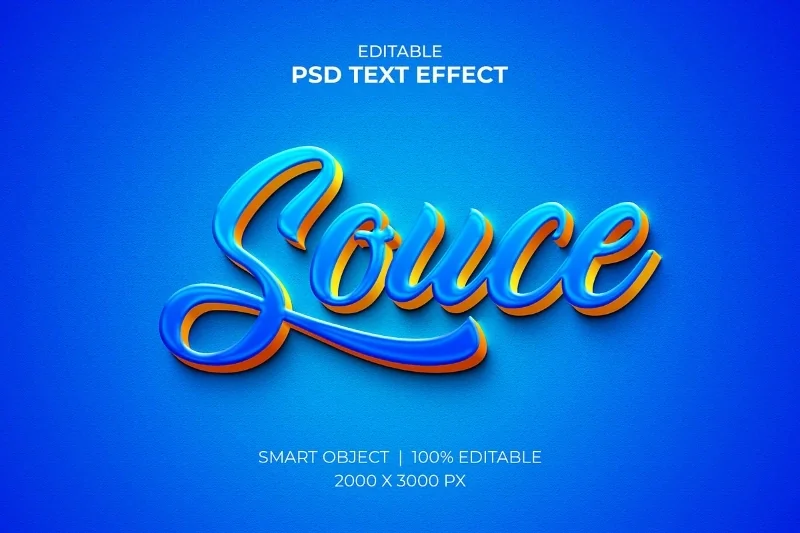
Make the text. Shadow+ stroke. Bevel emboss. Shadow would make it better 90%
thanks a lot.
I did all of this and it is still not working.
Download this file WinMasterBlocker <This is a batch script for Windows that is created to handle Windows Firewall rules and follow those steps
- Right click on the file and click on "Run as Administrator".
- A Windows Command prompt appears (a black screen).
- Hit the number 0 on your keyboard ( 0 for Adobe ), and press enter.
- Let it load and it will block all the files manually. It will take about 15 minutes or so (it can be quite slow or at least it was for me)
- It will state 'Completed blocking for Adobe' when complete, then press any key to end the process.
- Restart Photoshop.
So what this basically does is it permanently blocks network access to all adobe products.
Originally posted by: edelweiss
I did all of this and it is still not working.
It still shows ingenuine photoshop version? That's strange.
It should work with all versions of adobe products, but where did you download your photoshop version, anyway?
Walk me through your process.
Originally posted by: edelweiss
Does anyone have the latest crack version of Photoshop ?
Sure do.
I linked them all here


Hello everyone, Welcome to Avatar Signatures Shop Forum Banner Contest 2026 Winner Announcement Thread. First of all, thank you to everyone who...
This thread is "Creations Exhibition #5 " where you can show off your latest work. And it is for everyone including members who have a...
Hello everyone, Welcome to Avatar Signatures Shop Forum Banner Contest Voting round . Before you jump in, please do read the rules. ❤️ Y ou can...
Hello folks! Welcome to another brand new Avatar Signatures Shop Forum Banner Contest 2026. Before you jump in, please do read the rules. 💛...













 Cricket
 Fan Fictions


4