

Fatima Sana Shaikh celebrates 2 years of 'Ludo' by sharing some unseen BTS
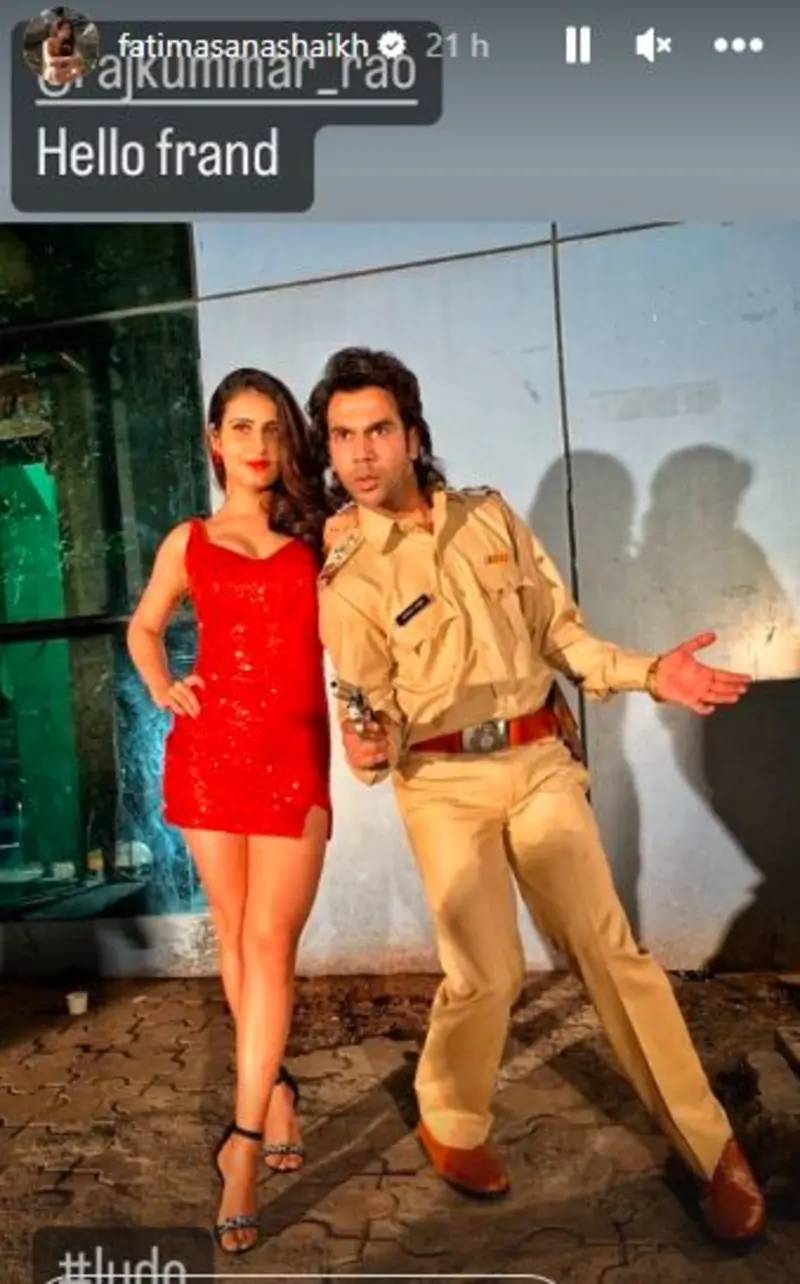
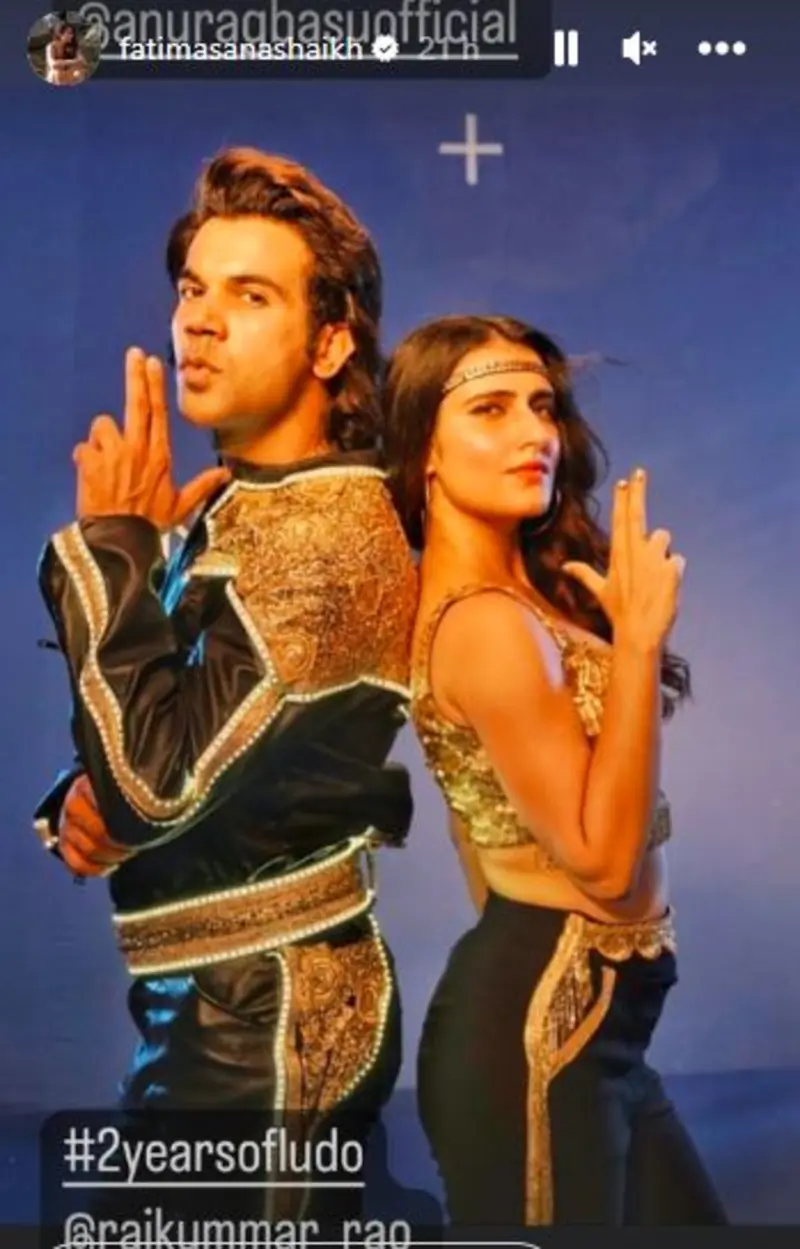
Taking to social media, she shared some unseen pictures from the sets of Ludo. She shared a picture of Anurag Basu and wrote ‘2 years of Ludo with this madcap’ and ‘hum se pareshan’. And later shared a picture of Rajkummar Rao and wrote “Hello frand”.
Published: Sunday,Nov 13, 2022 15:45 PM GMT-07:00


Fatima Sana Shaikh who has time and again treated the audience with content like Modern Love and Dangal celebrates two years of Ludo, a film that evoked strong emotions from sad, ecstatic, and had left us intrigued. Fatima who played the role of Aarushi Mathur had done a fabulous job in portraying the innocence of her character. While the film had its own twists and turns, her character became one of the favorites and her chemistry with Rajkummar Rao was widely approciated. Her role was promising and was celebrated as the film was released. With every project she does, Fatima proves herself to be a director’s actor.
Taking to social media, she shared some unseen pictures from the sets of Ludo. She shared a picture of Anurag Basu and wrote ‘2 years of Ludo with this madcap’ and ‘hum se pareshan’. And later shared a picture of Rajkummar Rao and wrote “Hello frand”.

Fatima Sana Shaikh’s Dhak Dhak has been wrapped up already and has started shooting for Sam Bahadur. Along with Sam Bahadur Fatima Sana Shaikh has an interesting lineup and she will also be seen in Dhak Dhak Directed and co-written by Tarun Dudeja, co-produced by Taapsee Pannu, Pranjal Khandhdiya and Ayush Maheshwari.
Join Our WhatsApp Channel
Stay updated with the latest news, gossip, and hot discussions. Be a part of our WhatsApp family now!
Join NowYour reaction
 Nice
Nice Great
Great Loved
Loved LOL
LOL OMG
OMG Cry
Cry Fail
Fail



















Post a comment